We live in a society where we consume media and videos at an extreme pace. We passively watch, are entertained in the moment and then forget most of what we have viewed.
 via GIPHY
When taking the step into using videos to provide content to students to support flipped learning, we might make the assumption that students will be able to engage with the video and by the end of 5 minutes will understand what they have viewed.
Wrong!
Students have been trained to watch most media passively. Only the most extreme media is remembered for prolonged periods of time. Well I don’t know about you but I don’t intend to teach students about solving linear equations by standing from a sloped platform as a I balance between 2 thirty storey buildings.
So if students only watch actively the most extreme videos how do we get them to engage with probably pretty “boring” videos so that they can learn the content.
The answer just like anything else in education is that we need to teach them.
So how do you teach a student to actively watch a video? You use a coaching model like the “I Do, We Do, You Do” model. In this model you allow students to see how you can break down a video to extract the important parts that they need to know and what they should write. If you are using the right video 90% of the video should be important otherwise why is it included, videos don’t need padding.
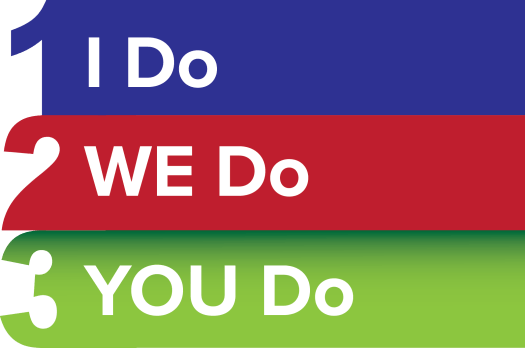
This is the second year that I have used this model to get students actively watching videos and this year I’ve stretched it out a little longer and its great. True my students aren’t currently watching videos at home, in fact they have had very little homework. My thoughts are that a little time spent in class in these first few weeks is a worthy investment for the rest of the year.
Here is a summary of how I went about implementing the 3 coaching stages to teach my students to watch their flipped videos.
Continue reading →












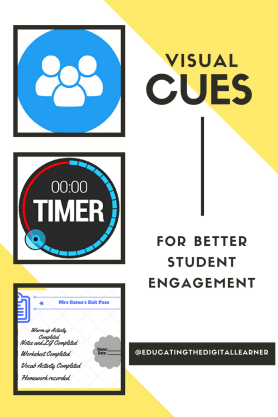
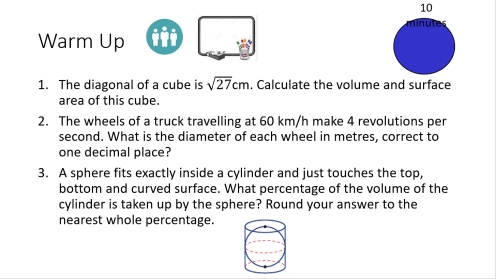





 attach magnets to the back so that it can be on the board for the lesson.




 Educating The Digital Learner